





Ordery: order and shipping label app for ikas
Orders in view.
Ordery brings ikas order management into one table. It shows which marketplace each order came from and keeps shipping labels on the same screen.
Source
See the source.
In ikas, the Sales Channel filter on the Orders screen separates marketplace orders; Ordery shows the source on every row without a filter. Ordery shows each order with a marketplace badge in the table. Orders from your own site and orders created manually in the panel get their own badges too.


Label
Labels and order slips.
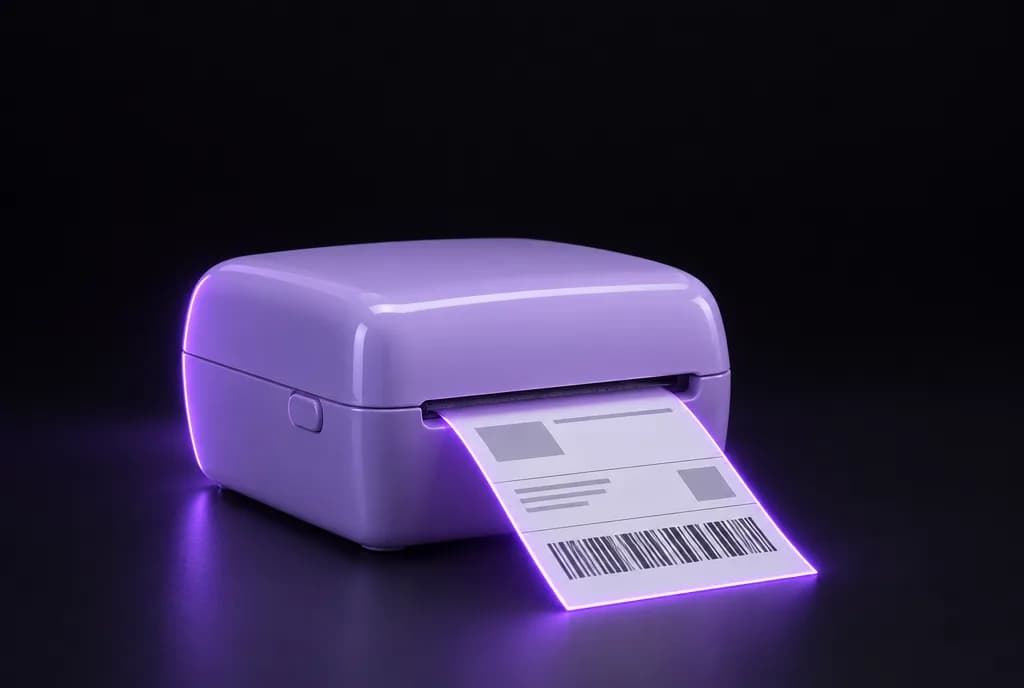
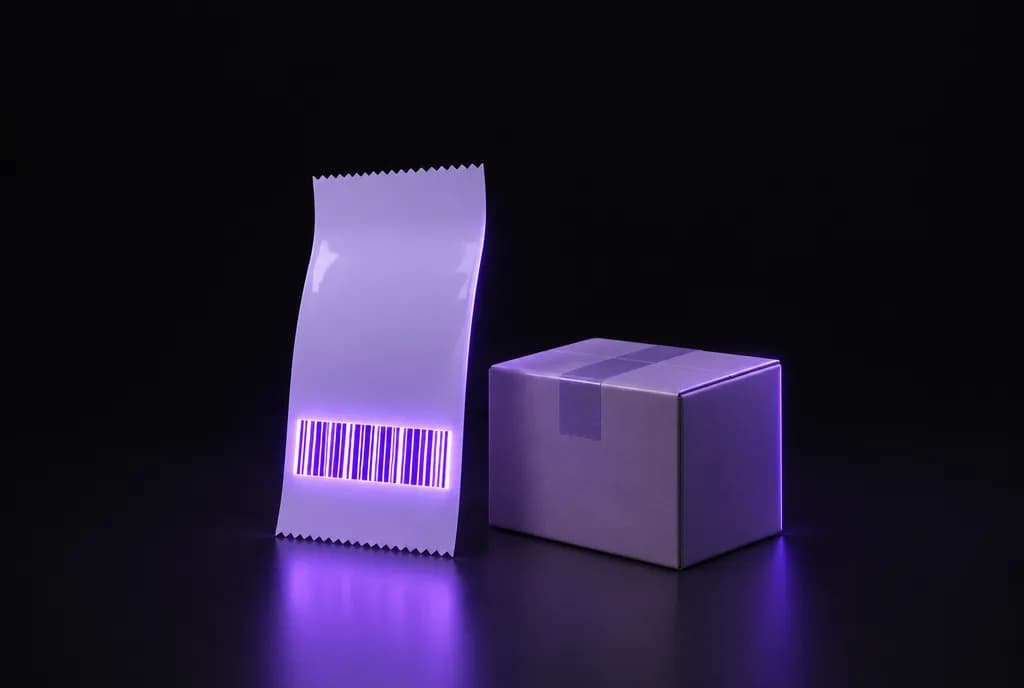
Ordery keeps shipping label printing and order slips on the same screen. You can choose A4 or thermal format and generate Code128 barcode output. Ordery stores the sender name, phone, address, logo and custom note once, then adds them to future labels automatically. If the carrier provides its own label, Ordery uses it and writes the tracking number back to the order.
Why Ordery?
The interface stays simple.
Ordery keeps the actions you need for daily order management on one screen without burying them in unnecessary menus.
It speaks two languages.
Ordery's interface is available in Turkish and English, and each user picks the panel language.
You can try it first.
Install Ordery to start the free trial. You can see the plan after the trial on the ikas App Store.