








Data
Products, customers and content move together.
While your current store keeps selling, we move your products, customers and content to ikas and map old URLs to their new pages.
A migration to ikas starts with reviewing your current store and defining exactly what needs to move, then transferring products, customers and content to ikas; since the ikas admin has no tool for importing past orders, they are delivered as an Excel list. We map old page URLs to their new destinations, set up payment and shipping connections, and test the store. Once everything is ready, we point the domain to ikas, while the old store remains live until that point.
We prepare the new store separately while keeping the existing store live. We do not touch the domain until data migration, design, integrations and checks are complete. We launch only when everything is ready.
We list products, categories, customers, orders, content, active integrations and important URLs. Before starting, we define what will be migrated, what needs to be rebuilt and which areas need special attention.
We transfer the data and build the theme and content structure. Products, categories and core pages are checked separately from the live store while your existing website continues taking orders.
We map old URLs to new pages and configure payment, shipping and marketplace connections. Before launch, we test the order flow, mobile experience and the store's main customer journeys.
After the final checks, we direct the domain to the new store. We then monitor old links, redirects, indexing and any errors that appear, and make the necessary corrections.

We move the full product catalog with its details.
We transfer product names, descriptions, prices, images, stock levels and options such as size or color. We also rebuild the category structure to suit how the new store will be used.
We transfer customer records to the new store.
We move names, email addresses, phone numbers and any transferable address data to ikas. Passwords cannot be transferred between platforms, so existing customers need to create a new password when they first sign in.
Past orders stay with you as an Excel list.
The ikas admin has no tool for importing past orders. We export the order records from the old platform and hand them over as a clean Excel list, while customer records are migrated to ikas. We say this clearly before starting so nothing in the new panel comes as a surprise.
We connect old page addresses to the correct new pages.
We map product, category, blog and other important content URLs individually. This sends visitors from old links to the relevant new page, helps Google understand the address change and reduces the risk of SEO loss.
We move the store's content, not just its products.
We transfer blog posts and essential pages such as about, delivery, returns and privacy. We adapt the content to the new store structure and check its internal links.
We rebuild the connections needed to sell on ikas.
We reconfigure payment gateways, shipping providers and marketplace connections on ikas. Instead of copying integrations from the old platform, we set up their ikas equivalents and test that they work correctly.
We do not migrate every store the same way. Shopify, Ticimax, ideasoft and WooCommerce export data differently, and their URL structures and feature sets also vary. We first review how your current store is built, then create the migration plan around it.
Shopify
Ticimax
ideasoft
WooCommerce
Rankings
We map every old product, category and content address to its new page and check the redirects before launch. This lowers the search visibility risk of the move, though short fluctuations can appear in the weeks after launch. The old store keeps selling until launch day.

301
every old address mapped to a new page
Last step
the domain moves only when everything is ready
7 steps
from inventory to launch day
We map old URLs used in search results, ads or other websites to their new destinations. After launch, we check for broken links and redirect errors.
We compare products, options, prices, stock levels and customer records with the old store. For large catalogs, we verify the full dataset as well as individual samples.
Your existing website continues taking orders until the new store is complete. We change the domain only at the final stage, then check the order and payment flow again after launch.
If the design is changing along with the platform, the two should not run as separate projects. When the URL structure, data transfer and the new theme move in one plan, launch day happens once and search visibility is not shaken twice.
We define the new counterparts of category and product URLs before design starts; the new theme's menu and category structure follow that map, and the 301 redirects are ready on launch day.
While products, variants, images, customers and content move to ikas, the new theme takes shape in the same development store with real data; product cards and the variant flow are tested with your catalogue, not sample data.
The ikas admin has no tool for importing past orders; we deliver the old orders as a clean Excel list. Customer records are migrated to the new store.
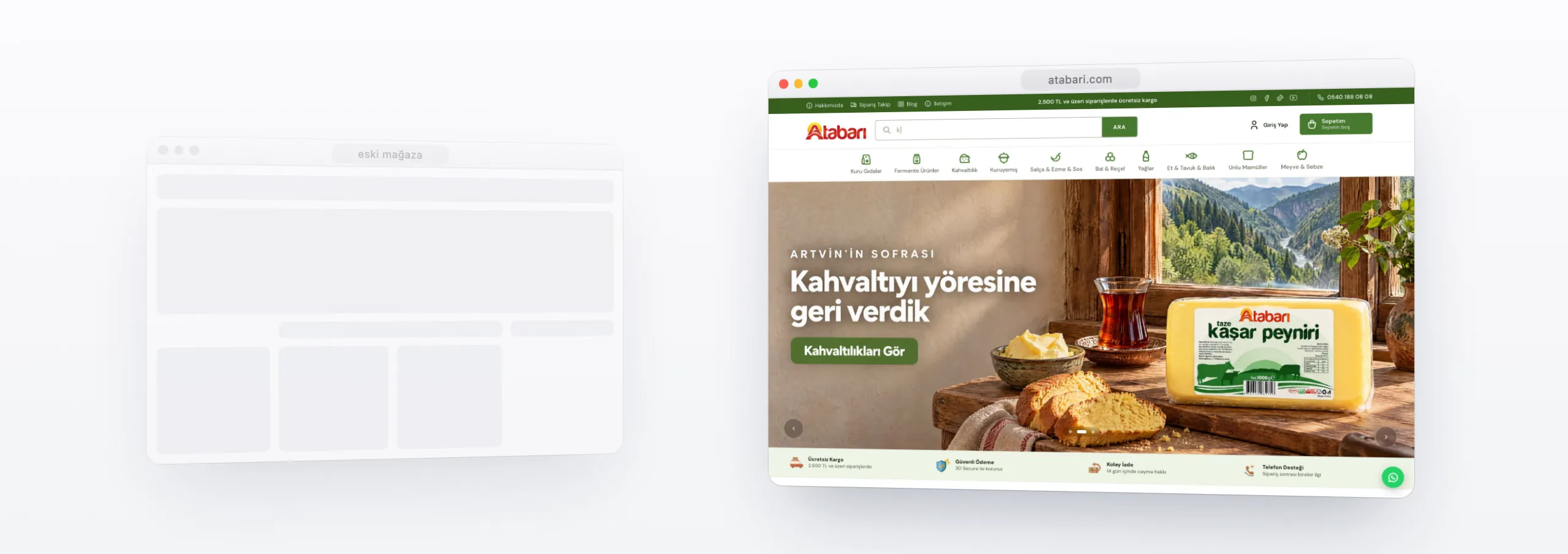
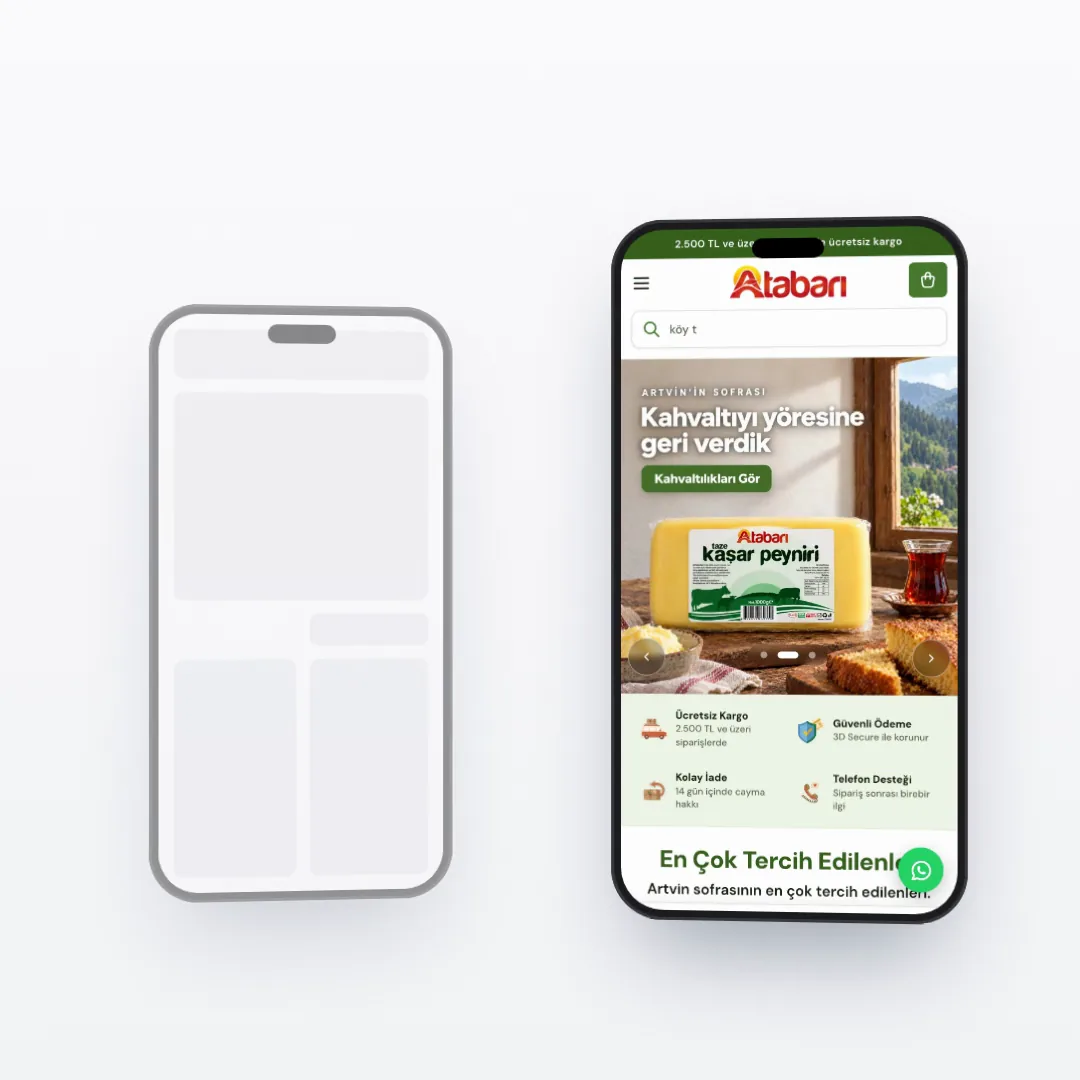
Domain redirection, the 301 map, payment and shipping connections and the mobile check of the new theme happen on the same day with the same list. At Atabarı we moved the old store's product content into the new theme and completed the switch in one go; process and examples are on the ikas custom theme page.
Live stores
Tell me which platform you use and share your store URL. We can then define what needs to move, the areas that need special attention and the order of the launch.